
Ready to level up your OnlyFans agency and grow your models’ Instagram following like a pro? In this guide, I’ll show you how to scrape Instagram and find the top accounts using powerful tools like TexAu and Give Me Data! 📈💥
Use TexAu to scrape relevant Instagram accounts from Google
Use the following search operators: site:instagram.com -inurl:/p/ -inurl:explore. Each time, use a different model names such as: Ashley, Mia, Ava, Bella, Lily etc.
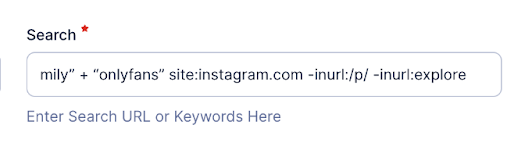
Your google search query would something like: “Emily” + “OnlyFans” site:instagram.com -inurl:/p/ -inurl:explore
You can also generate more names by asking ChatGPT to create a list of popular female names from Western countries that are commonly associated with OnlyFans accounts.
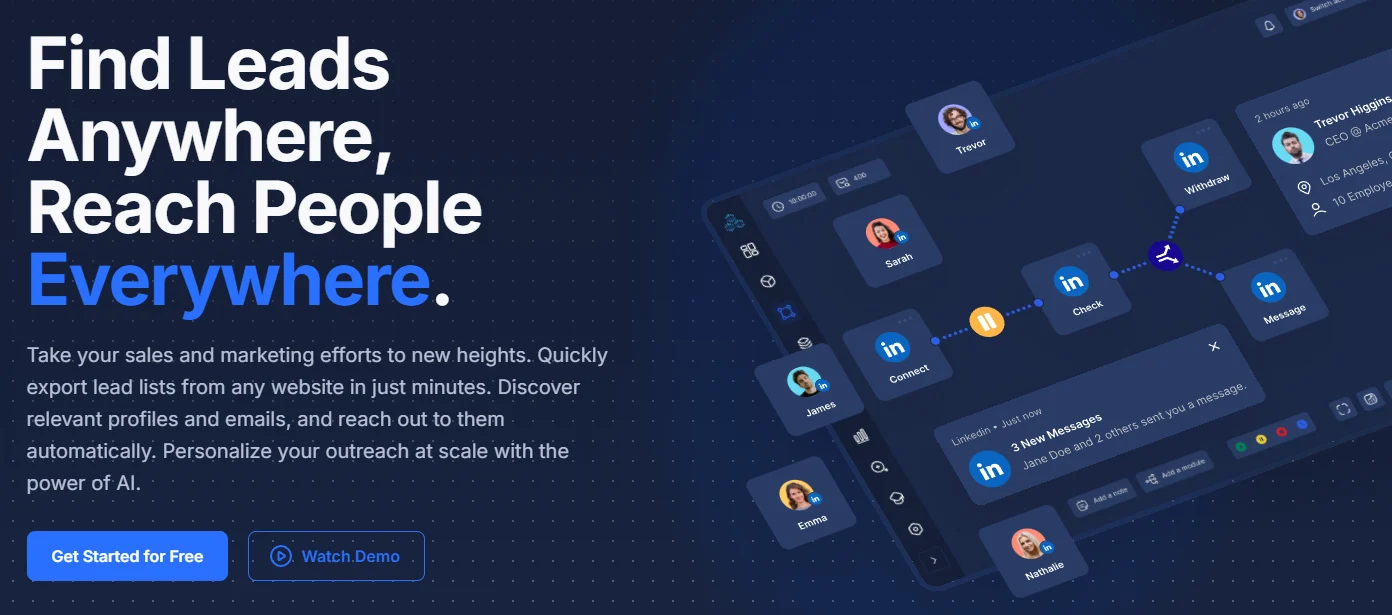
1) First thing you need to do is sign up for an accout. If for whatever reason you don’t receive an OTP code, contact their team via email: e.gupta@texau.app
 (open full size)
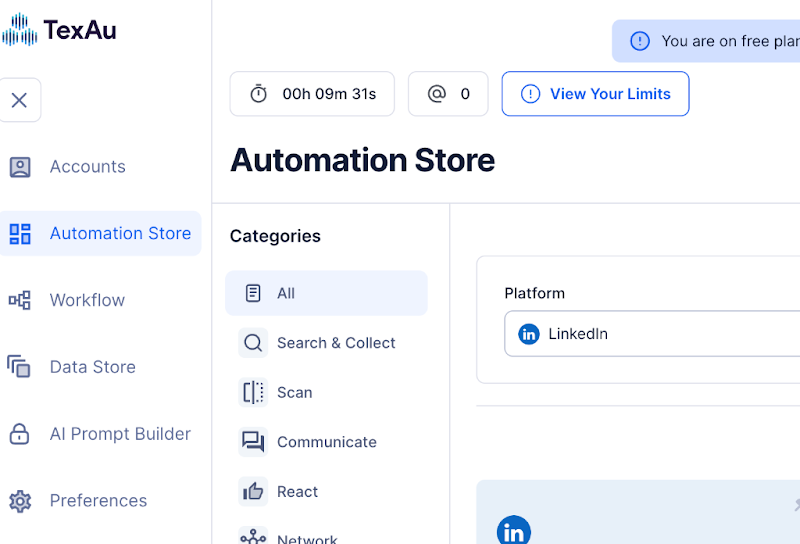
2) Then, go to the “Automation Store” on the left.
 (open full size)
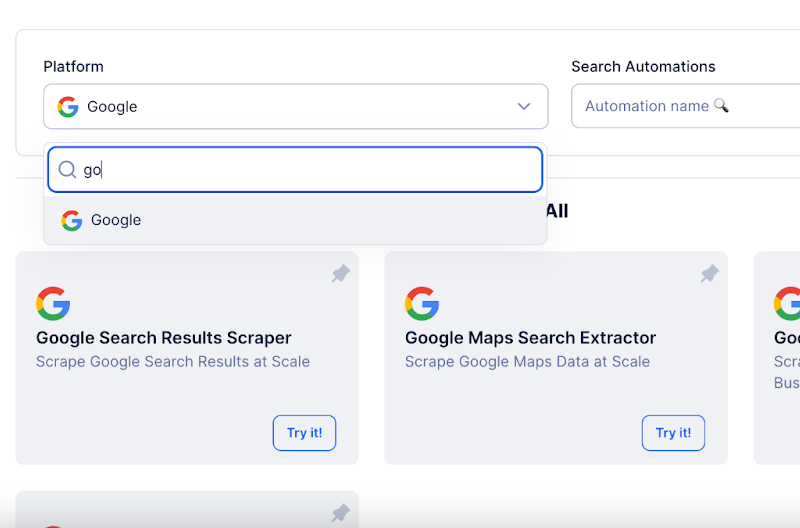
3) On the platform, choose “Google.”
 (open full size)
4) Next, select “Single Input.”
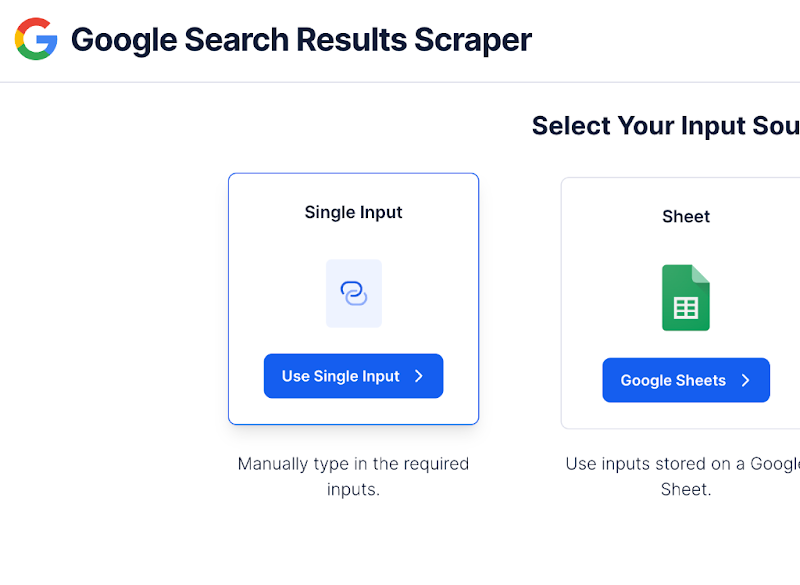 (open full size)
Next, paste your desired search into the “Search” tab. For example: “Emily” + “onlyfans” site:instagram.com -inurl:/p/ -inurl:explore and then click the “Run” button in the bottom right.
(Note: When you enclose any word in quotation marks, it means that the scraper will search for that exact word and not as part of another combination. For example, if you write “Emily,” it won’t scrape variations like “emily.”)
5) Next, navigate to “Data Store” on the right and then click “Open” on your workflow.
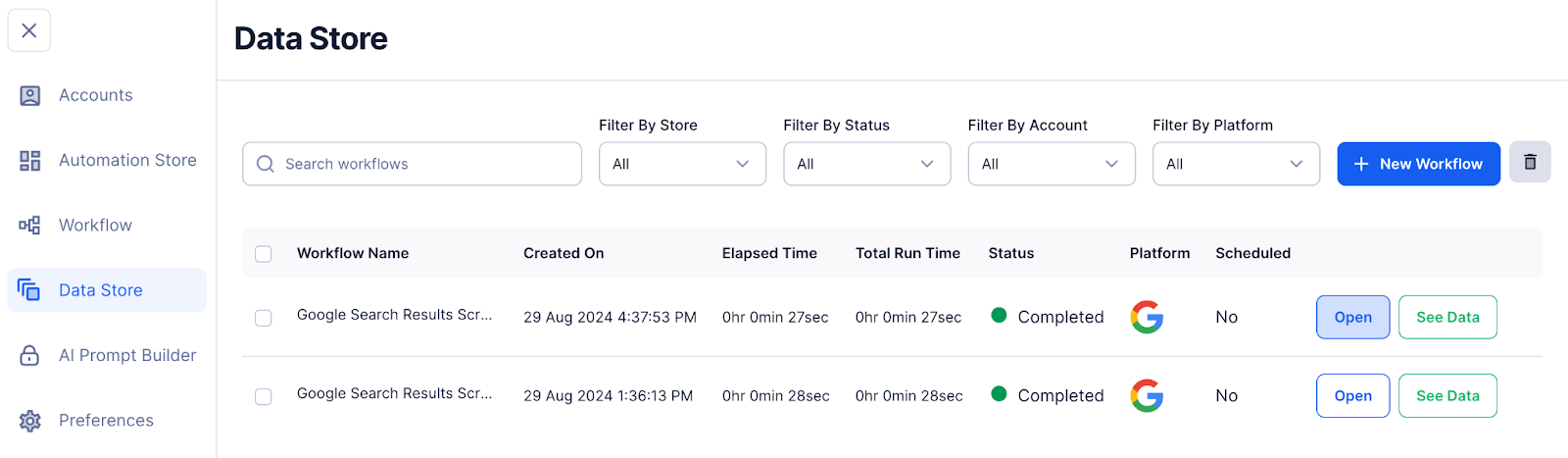 (open full size)
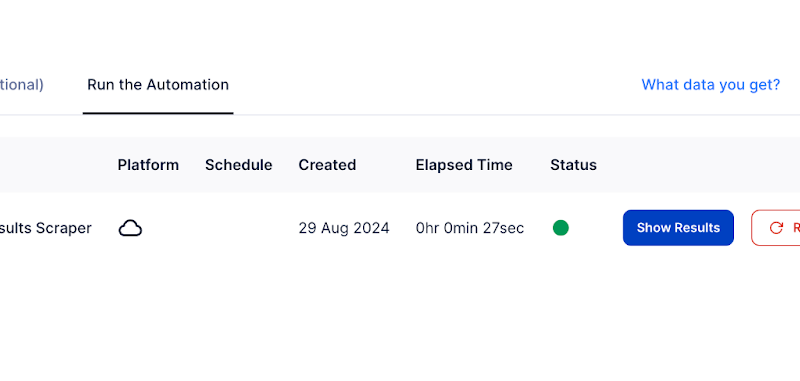
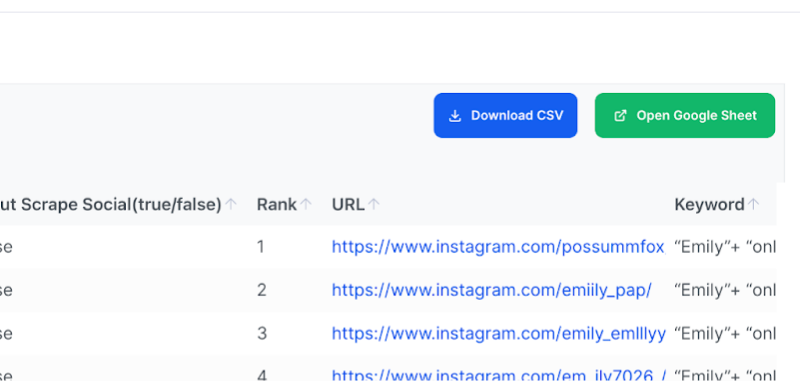
6) After that, click on “Show Results” and then download the CSV file. You can also “Open Google Sheet” and connect a Gmail account (preferably not your main account, but rather a random one you don’t mind using).
 (open full size)
 (open full size)
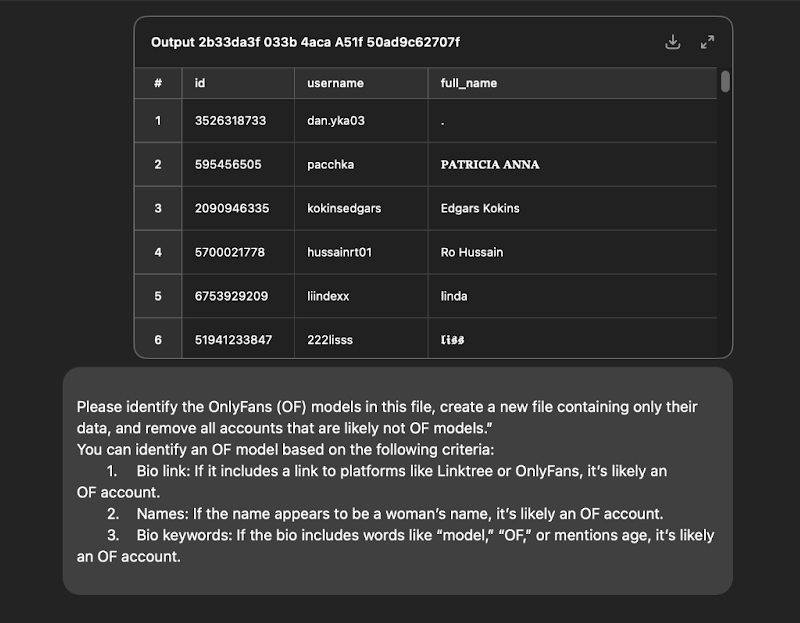
- Now go to ChatGPT, upload the CSV and use the following prompt:
“Please identify the OnlyFans (OF) models in this file, create a new file containing only their data, and remove all accounts that are likely not OF models.”
You can identify an OF model based on the following criteria:
- Bio Link: If it includes a link to platforms like Linktree or OnlyFans, it’s likely an OF account.
- Names: If the name appears to be a woman’s name, it’s likely an OF account.
- Bio Keywords: If the bio includes words like “model,” “OF,” or mentions age, it’s likely an OF account.
 (open full size)
Next, add all the profiles to a new CSV file and name it “Targets for Models.” Ensure this CSV includes columns for account usernames and follower counts. Remember, you need around 100 relevant profiles. You can duplicate this CSV as an example using this link: OF Targets.
Do the same with different variations, names, and keywords. For example, instead of “Emily” + “OnlyFans” site:instagram.com -inurl:/p/ -inurl:explore, you could search for “Jennifer” + “OnlyFans” site:instagram.com -inurl:/p/ -inurl:explore, and so on.
Use GiveMeData for the Scraping Process
Scrape the followings of OnlyFans agency Instagram accounts found in this file: OF Agencies’ profiles or by using Google scraping as we just mentioned. For example, you can use the search query “agency” + “OnlyFans” site:instagram.com -inurl:/p/ -inurl:explore.
 (open full size)
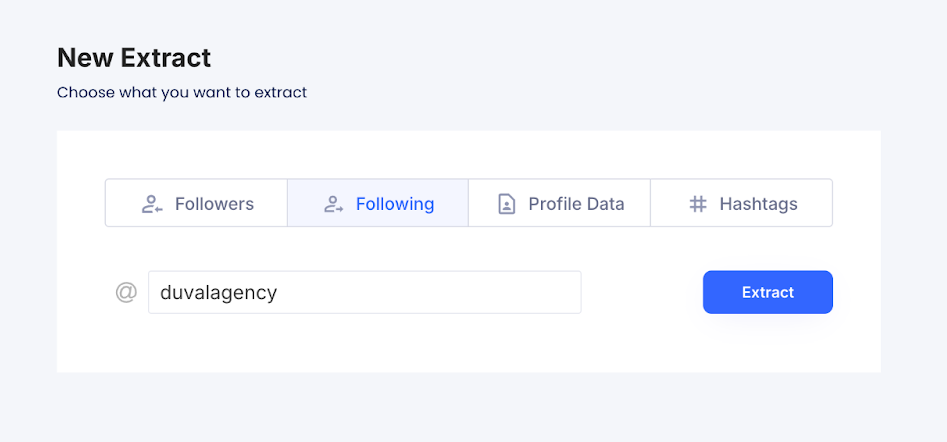
1) Paste the agency’s username in the “Following” section and click on “Extract.”
 (open full size)
2) Next, click on “Submit and Extract.”
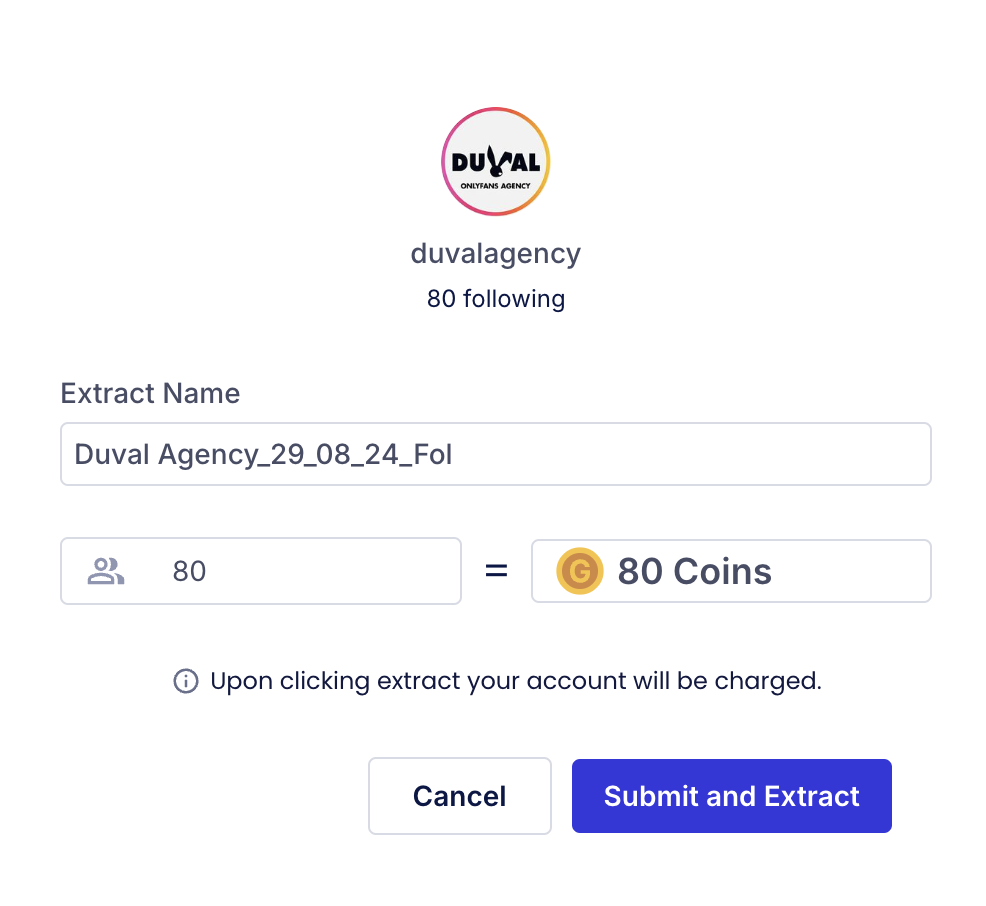 (open full size)
3) After that, go to “Your Extractions.” and download your file
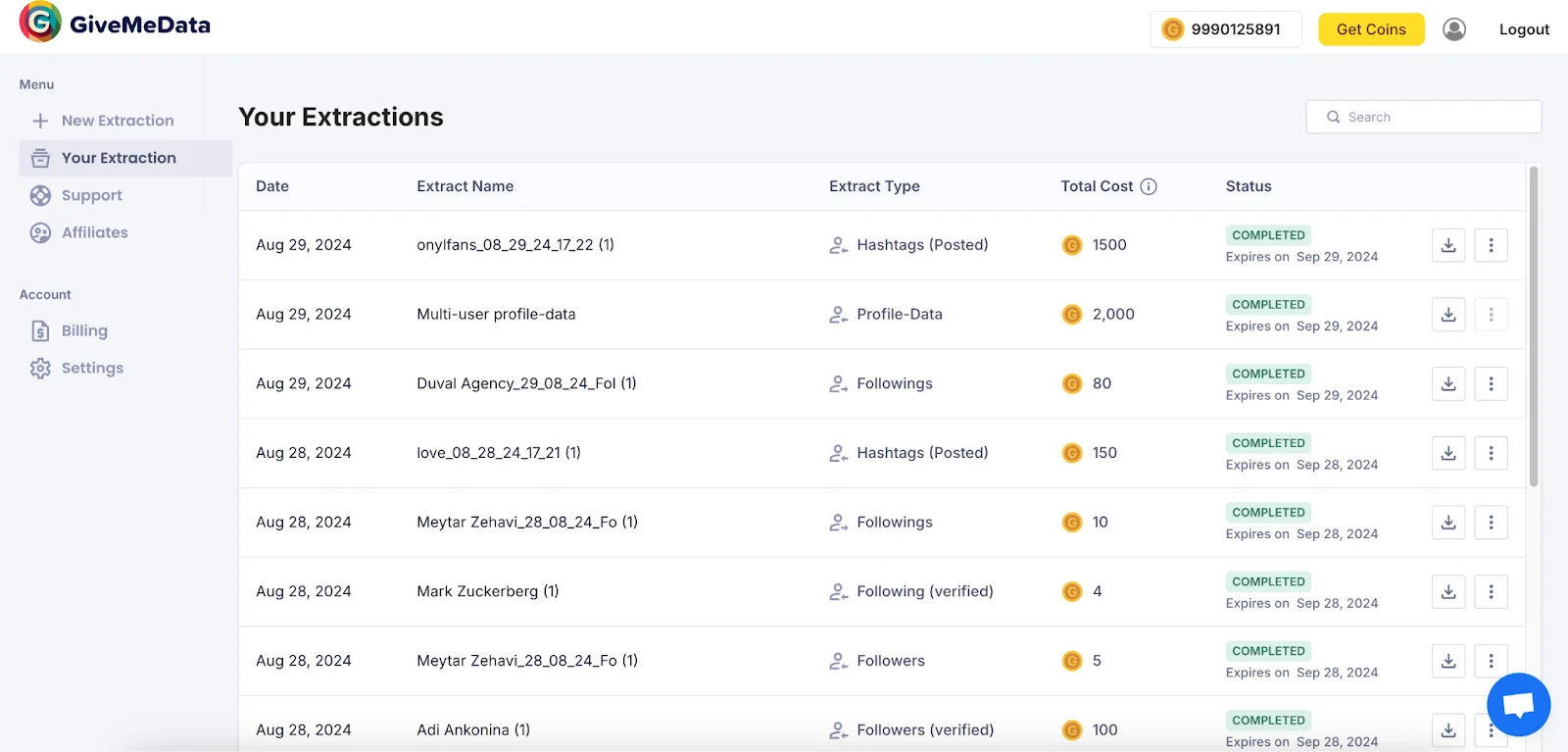 (open full size)
4) Next, go to “New Extraction” and upload the file to the Profile Data section.
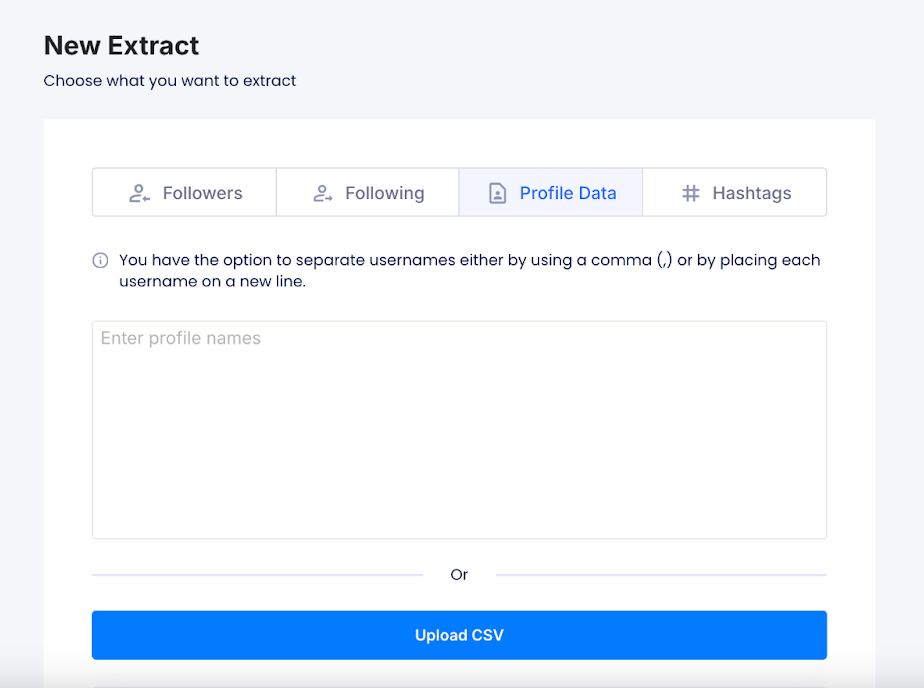 (open full size)
5) Next, click on “Select Column” and choose “Username.”
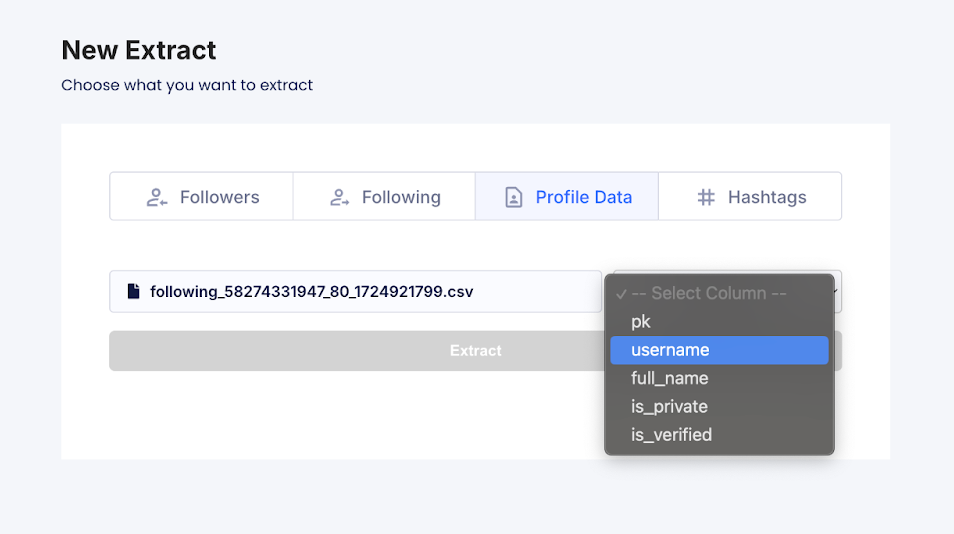 (open full size)
6) Then, uncheck the box for the Profile’s “About” data, and click on “Submit and Extract.”
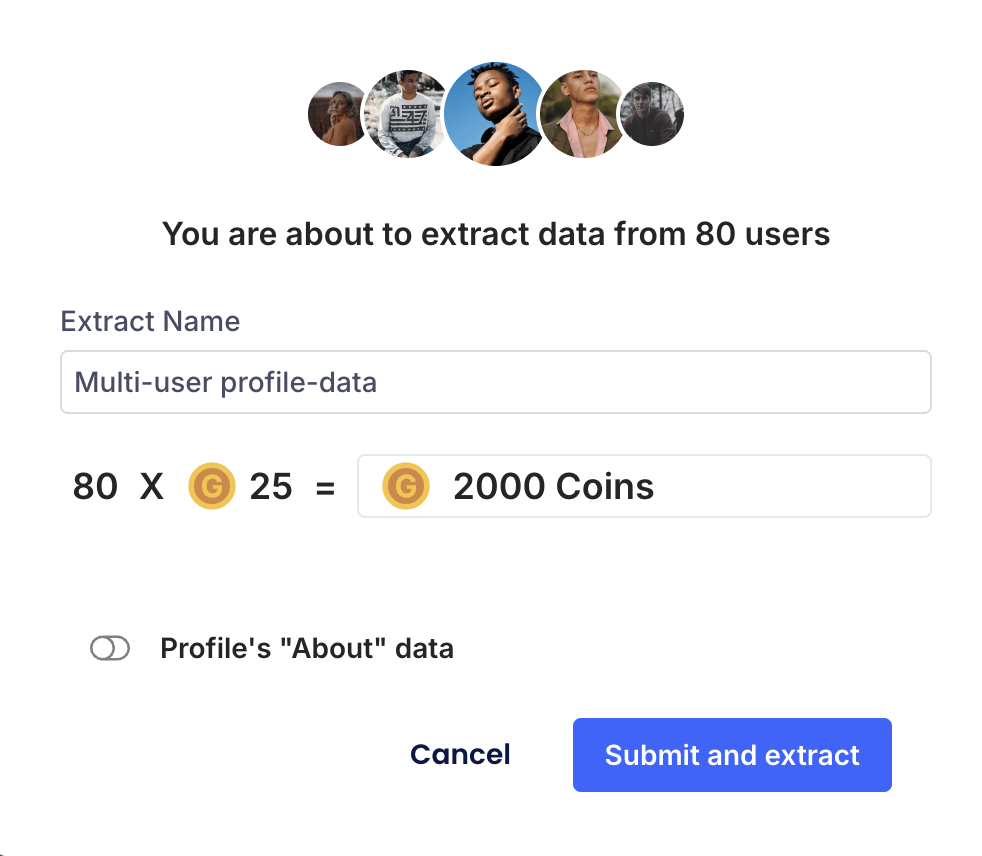 (open full size)
7) After that, go to “Your Extractions.” and download your file
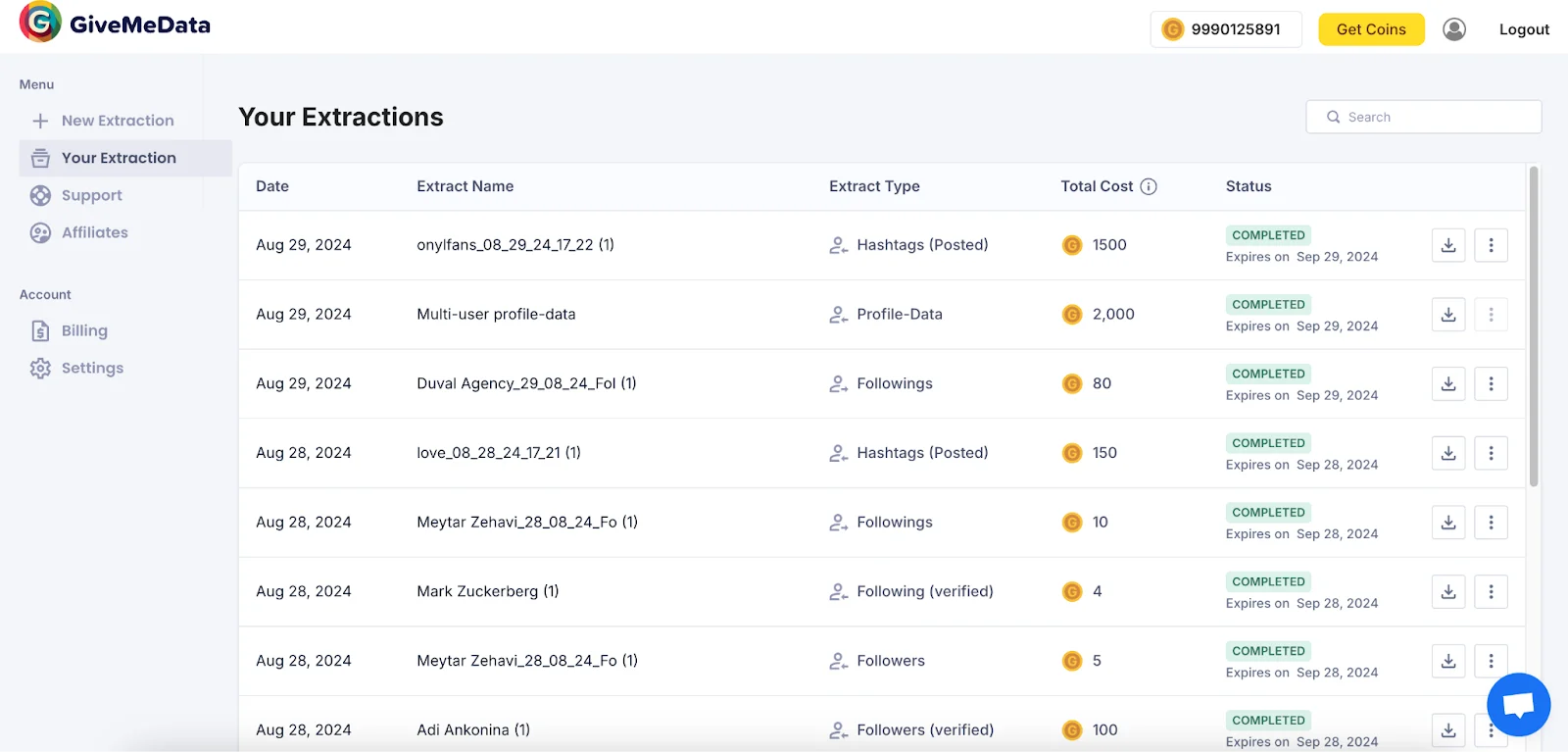 (open full size)
8) Now go to ChatGPT, upload the CSV and use the following prompt:
“Please identify the OnlyFans (OF) models in this file, create a new file containing only their data, and remove all accounts that are likely not OF models.”
You can identify an OF model based on the following criteria:
- Bio Link: If it includes a link to platforms like Linktree or OnlyFans, it’s likely an OF account.
- Names: If the name appears to be a woman’s name, it’s likely an OF account.
- Bio Keywords: If the bio includes words like “model,” “OF,” or mentions age, it’s likely an OF account.
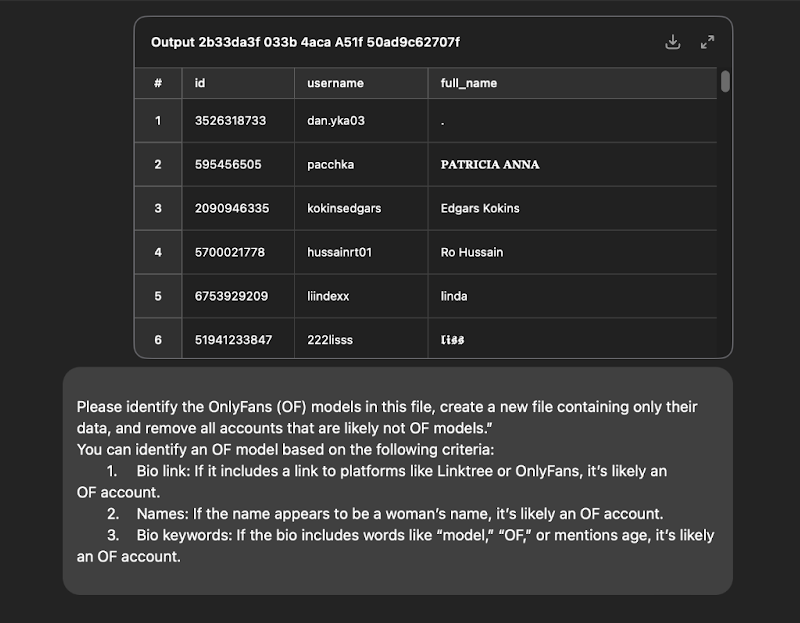 (open full size)
Then, review the file, and if everything looks good with the profiles, add them to the main “User Targets” file (the copy you made of this file)
Use GiveMeData to Scrape User Who Posted With Hashtags Related to the Onlyfans World
Here’s some examples of hashtags you can use: #onlyfans, #fansly, #bikinibabe, #blondegirl, #onlyfansmodel, #onlyfansbabe, #onlyfansgirl, #sexybabe, #curvygirl, #lingerieaddict, #instamodel, #altgirl, #inkedgirls, and #boudoirphotography
1) Go to the “Hashtags” section, paste the relevant hashtags, and then click on “Extract.”
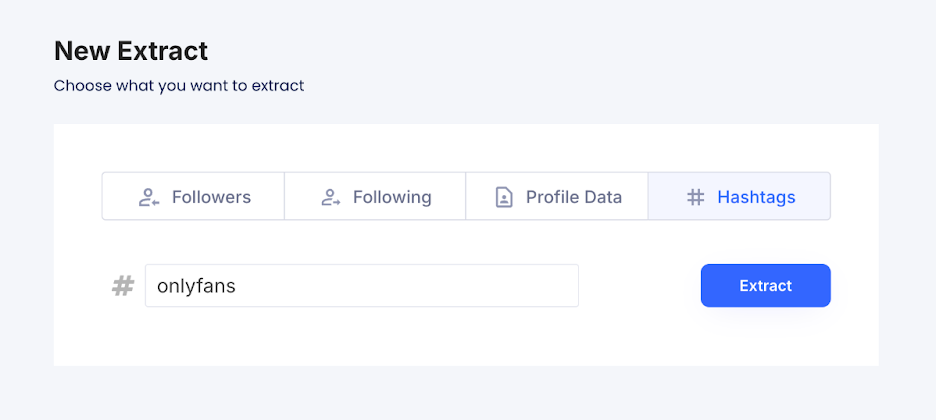 (open full size)
2) Then choose how many results you want to retrieve (it’s better to start with at least 100) and click on “Submit and Extract.”
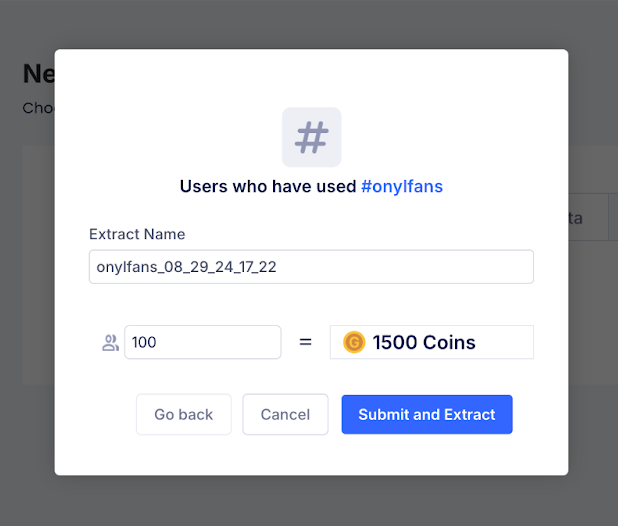
Then, follow the same steps as explained in section 2. Upload the file to the Profile Data section to get more information. Ask ChatGPT to filter and provide only the models’ data, then add it to the targets file. (the copy you made of this file)
3) Use paid tools like “Influencers.Club” to find target models (pricing starts at €189 per month but you do have a free trial)
 (open full size)
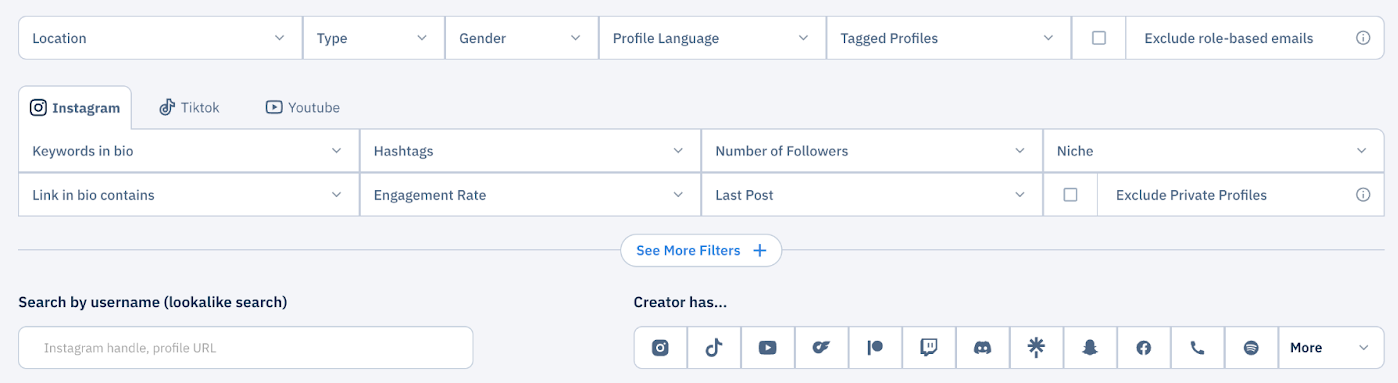
5) Go to the “Discovery” section
 (open full size)
And add the following filters:
- Location: United States, Australia, United Kingdom
- Type: Creator
- Gender: Female
- Creator has: OnlyFans
- Number of followers: 8,000–50,000
- Exclude private profiles
 (open full size)
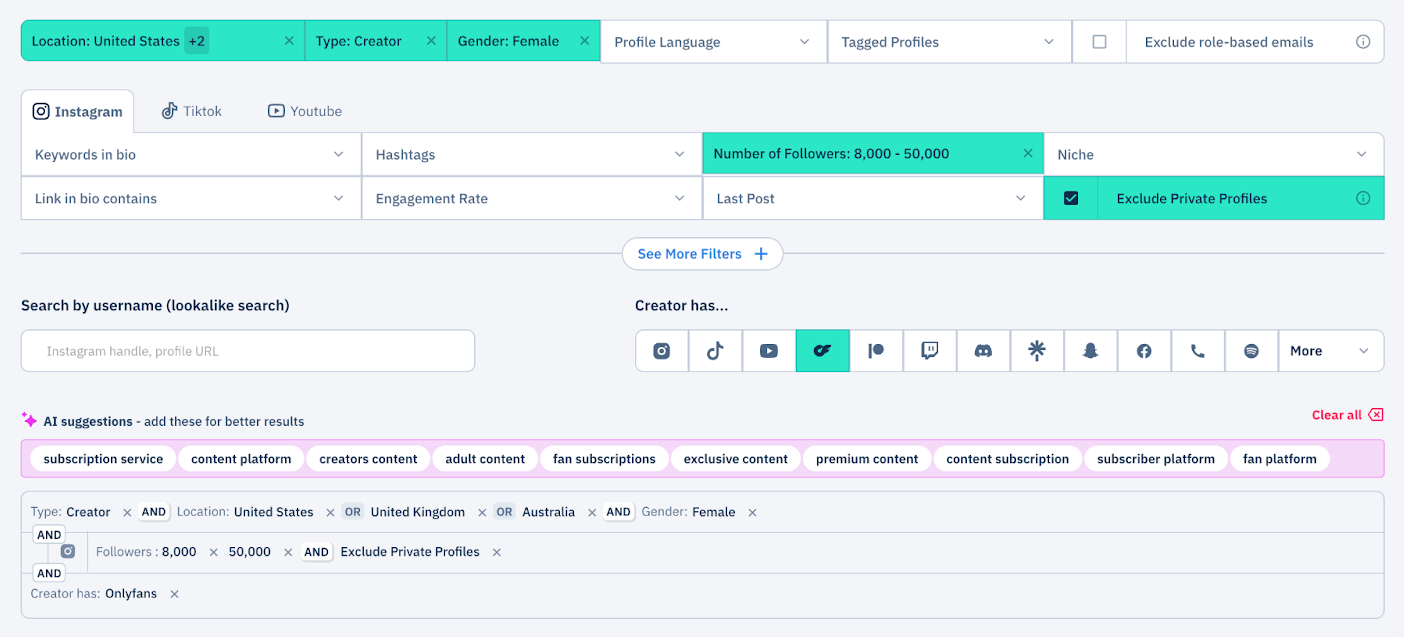
Here, you can see that we have a list of 2,000 profiles. It will cost €516 to scrape all of them, but you can also choose to scrape just a portion for €189 and get 189 profiles.
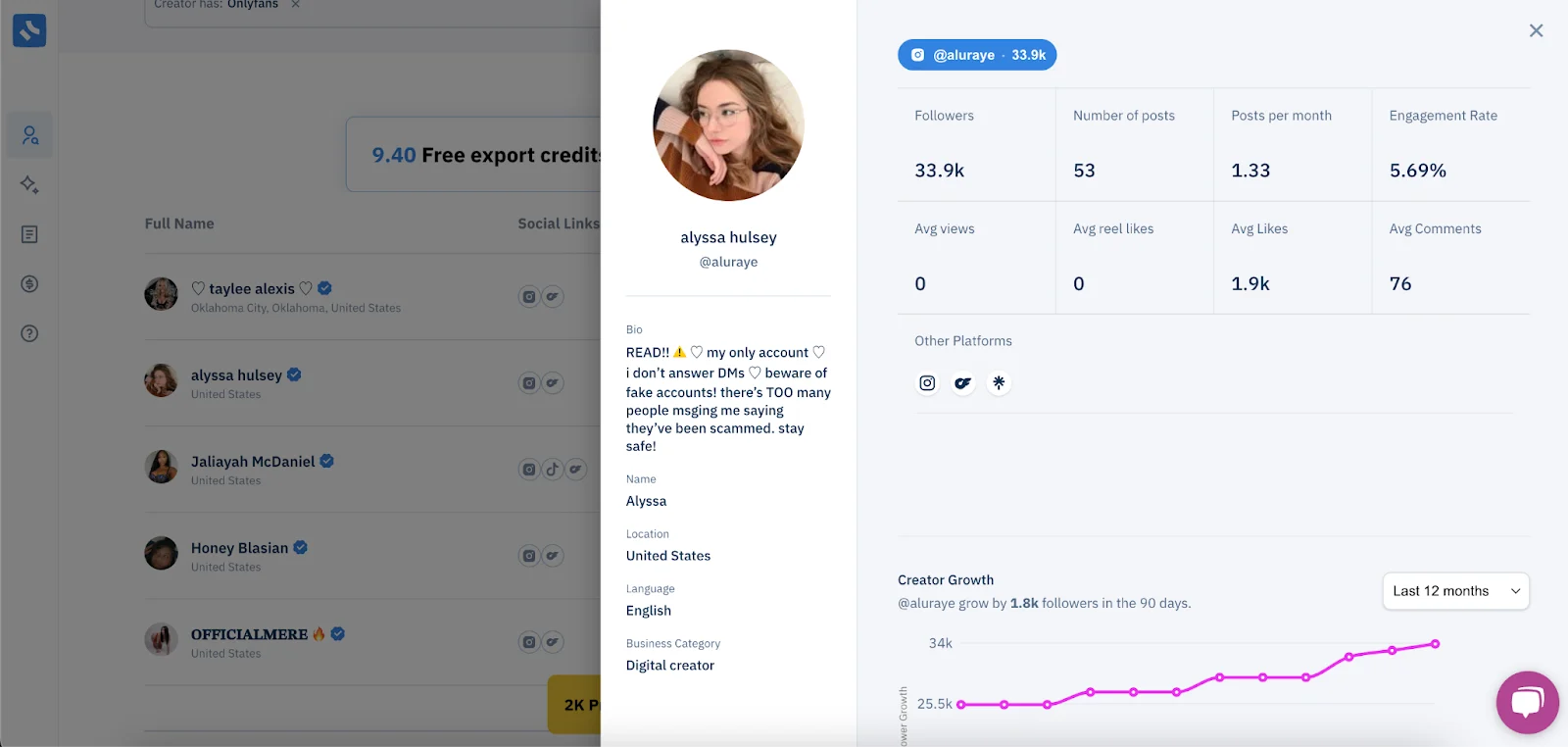
Example of a profile:
 (open full size)